
Name-Based Vanderburgh Case Searches
Open Indiana MyCase and pick the Name or Party mode. A person search must include a last name. Add a first or middle name only alongside it. Combining a business value with a person's last name will fail. Get these basics right first. That prevents validation errors before your Vanderburgh County docket search even starts.
- Enter the last name and any known first or middle name.
- Choose Vanderburgh County or the relevant 82C01 or 82D01 through 82D07 court.
- Add case category, status, and filing dates to narrow the set.
- Try the sounds-like option only when spelling may vary.
- Compare court, case number, filed date, status, and caption before opening a result.
The official MyCase search tips allow wildcards at the end only. Every wildcard needs a letter or number in front of it.
MyCase Fields for Vanderburgh Records
MyCase gives you Case, Name, and Attorney paths. Choosing the right tab keeps the result list tight and makes the local court identifiers far more useful.
| Path | Field | Rule or best use |
|---|---|---|
| Case | Case number | Dashes and leading zeros are optional |
| Case | Citation number | One UTT or citation at a time |
| Name | Person | Last name required |
| Name | Business | Do not combine with person name |
| Attorney | Name or bar number | Use one method, not both |
| Advanced | Court, category, status, dates | Narrow broad Vanderburgh results |
Broad results stop at 1,000. That cap is a display limit. It says nothing about how many matching records Vanderburgh County actually holds.
Vanderburgh Case Number Searches
An Indiana cause number has four parts: the court identifier, the filing year and month, the case type, and a six-digit sequence. Consider 82D03-2608-F5-000123, a format example only. No such case exists. The 82 points to Vanderburgh County, D03 is Superior Division III, 2608 means August 2026, F5 is the case type, and the final group is the filing sequence.
Vanderburgh Circuit uses 82C01. The Superior Courts run from 82D01 through 82D07. Case type codes you will see include F1 through F6 for felony levels, CM for misdemeanor, PL for civil plenary, SC for small claims, DC and DN for domestic relations, PO for protection orders, MH for mental health, and XP for expungement. The live number always controls.
Vanderburgh MyCase Portal Views
The MyCase search source is the official statewide interface, and it is the same system that handles Vanderburgh County cases.
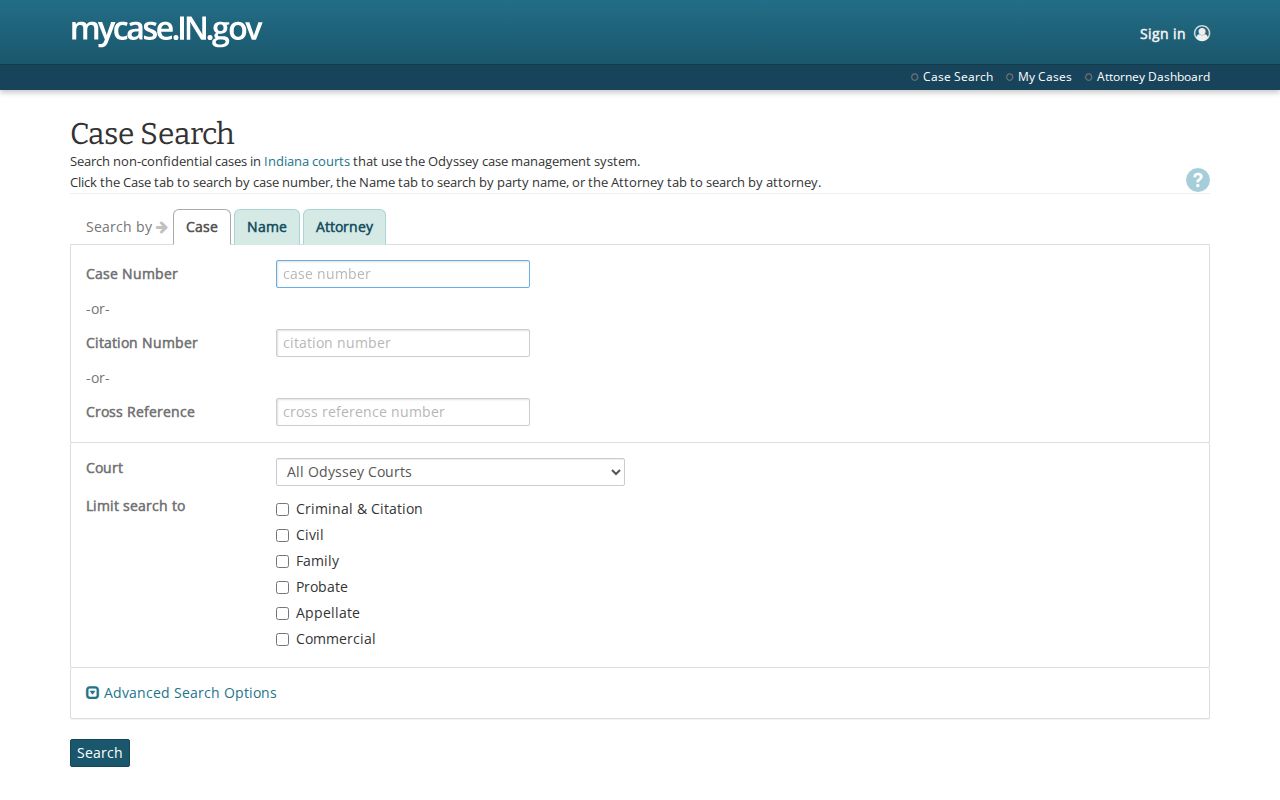
Case, party, and attorney paths sit on separate tabs, so each lookup can be narrowed the right way. The official MyCase help page spells out the limits on public documents and accounts.
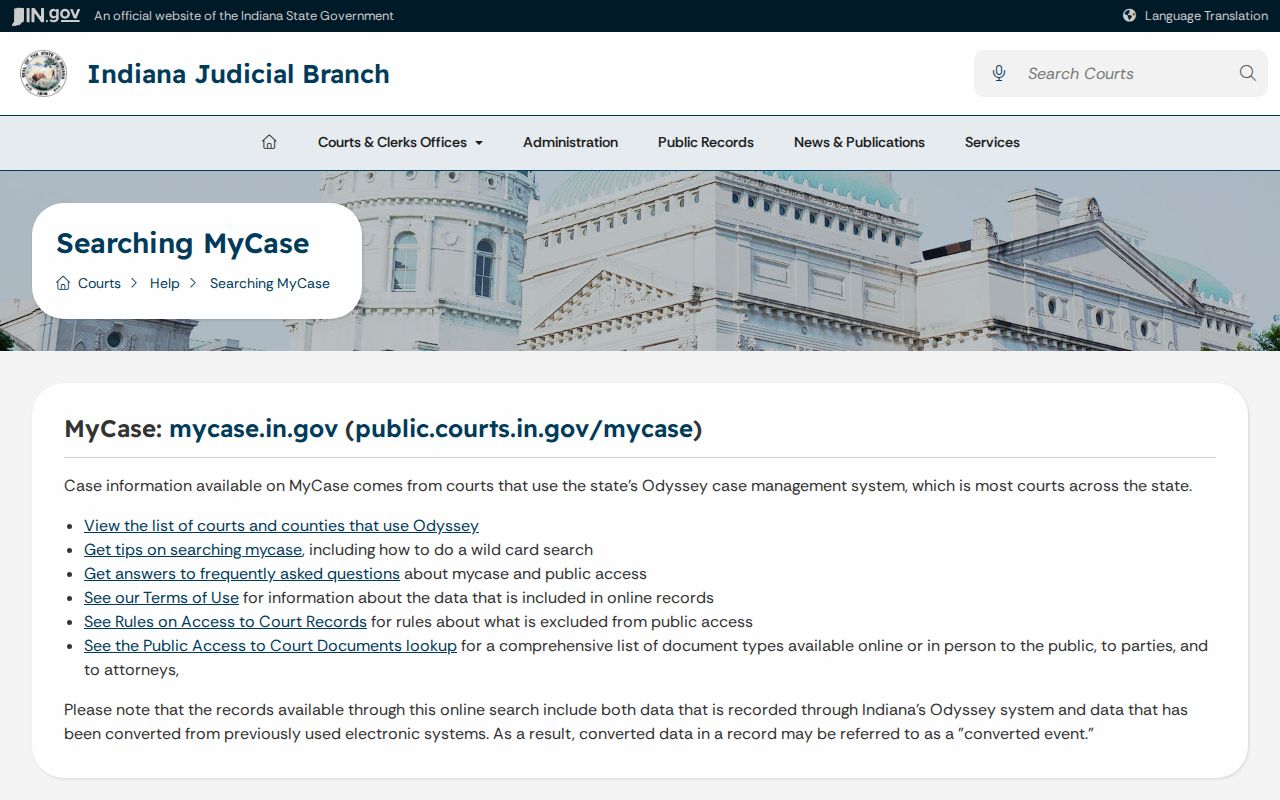
Those limits explain why an entry can exist without a public image.
Vanderburgh Case Search Results Explained
Treat a result as a doorway into the Chronological Case Summary rather than a certified record. Read the fields together.
| Case number | Identifies the county court, month, type, and sequence. |
|---|---|
| Caption | The public case style and party roles. |
| Filed date | When the case began, not the next hearing. |
| Status | Open, closed, pending, or disposed, read with the newest entry. |
| CCS entries | A time-ordered list of filings, orders, hearings, and disposition events. |
| Document link | A public image when available; no link may mean paper, restricted, or unscanned. |
Published financial data may lag behind what the court actually shows. Ask the Clerk for an official balance or a certified copy.
Vanderburgh Sounds-Like Search Strategy
The sounds-like box is a real help with spelling variants. On a common surname, though, it can flood you with useless hits. Lock in Vanderburgh County, a court, and a filing-date range before anything else. Try the exact spelling first. Then switch to the sound-based option. If results still exceed the limit, add a first name, category, or status.
For attorneys, a bar number beats a name. Use it whenever one appears on a filing. Without it, use the attorney's name plus court filters. MyCase will reject a request that combines both name and number.
Two Ways to Search: County and State
Vanderburgh County runs no separate general docket database of its own. Its "View Court Records Online" route simply opens statewide MyCase. The local layer is the Clerk, which keeps the official court file and serves people by phone, at the counter, and by mail.
| Indiana MyCase | Vanderburgh County Clerk |
|---|---|
| Statewide public Odyssey search | Official local files and certified copies |
| Fast name, number, citation, or attorney lookup | Help with paper, old, or missing documents |
| Public CCS and selected images | Room S240, 812-435-5160, or mail request |
For hearing dates, the Vanderburgh County court schedule offers a date-centered search that complements, rather than replaces, the case summary.
Vanderburgh Odyssey Since 2014
The official Odyssey participation list sets September 2, 2014 as the start date. It covers 82C01 and 82D01 through 82D07. The state Vanderburgh court page ties those courts to MyCase. That shared system is why MyCase works. It is the broad online route for a Vanderburgh County docket search. It does not mean every older paper item was scanned.
A missing image can reflect paper storage, exclusion, or a file that was never digitized. Call the Clerk with the case number and the exact document title. Do not conclude the paper never existed.
Which Vanderburgh Cases Stay Restricted
Public searches skip sealed and nonpublic material. Protection orders live in a separate state service. Juvenile and mental-health records, confidential paternity matters, protected identifiers, and some expunged cases may be hidden or limited. Parties can get access codes that expand their view of their own cases. Attorneys of record work through the Courts Portal.
Indiana Rule 5 and any sealing order control confidentiality. Rule 9 lays out a written process for seeking excluded records, and it demands more than curiosity. The record stays confidential while the court decides.
No result is not a verdict. Check number, spelling, dates, and court, then ask the Clerk whether the record is restricted or paper-only.
Federal Searches Outside Vanderburgh MyCase
Federal cases run through PACER, not Indiana case numbers or MyCase. The PACER system holds Southern District of Indiana dockets, including the Evansville Division, and a federal case number is the best key.
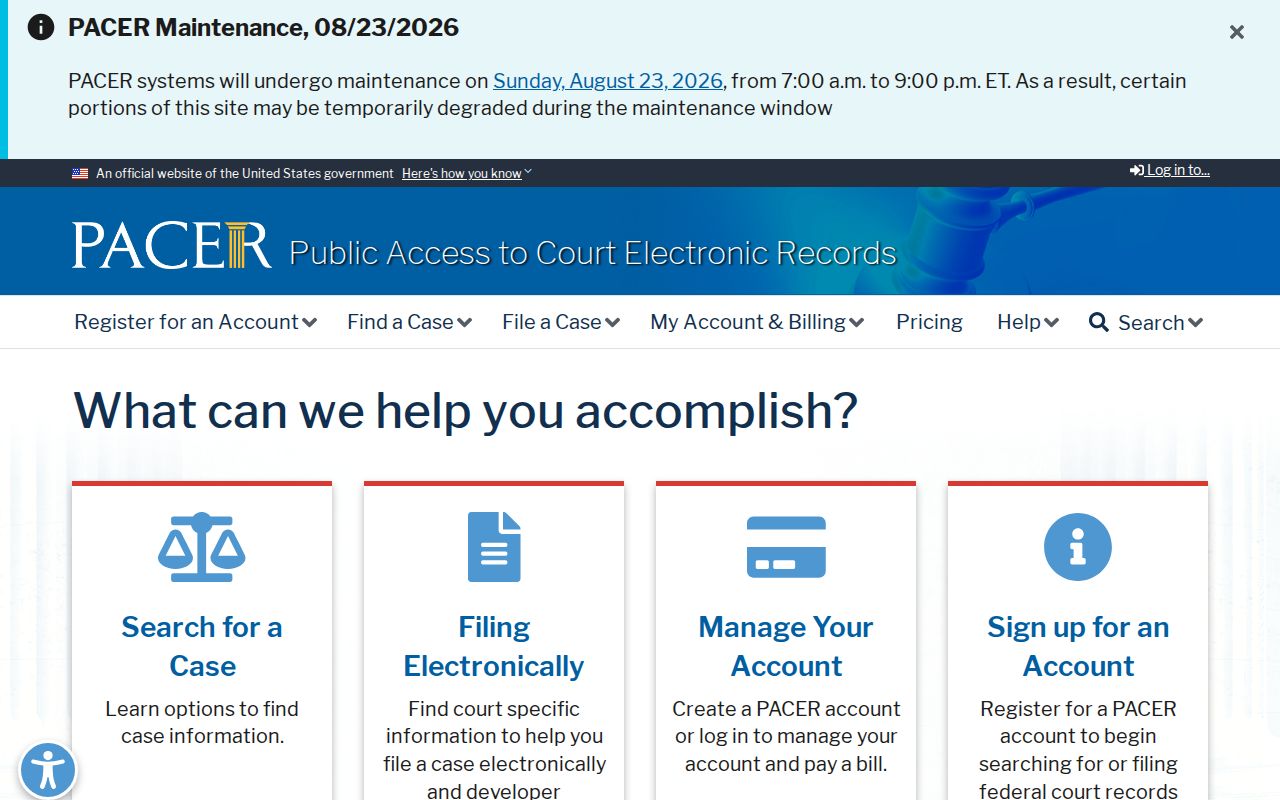
That separate federal interface explains why an 82C or 82D search can never surface a federal filing. The CourtListener source can assist with public federal research, but PACER and the federal clerk remain authoritative.
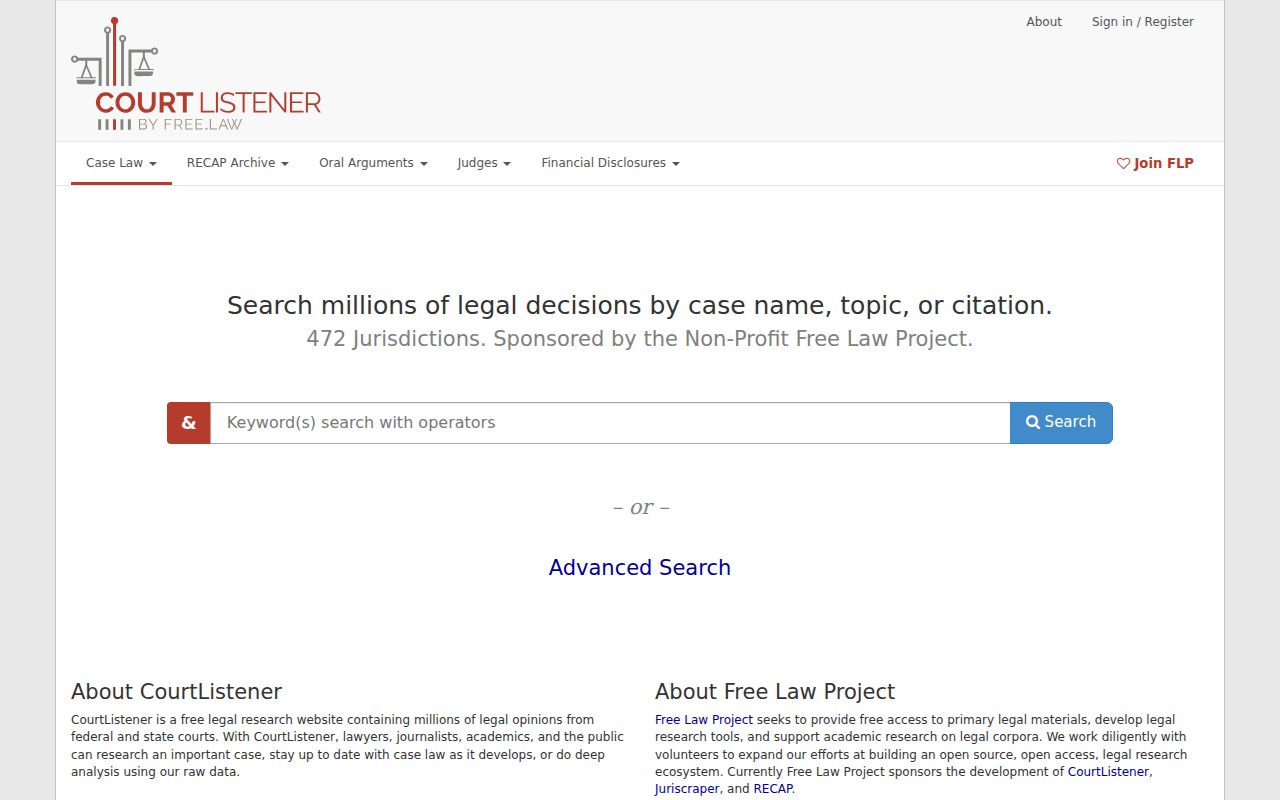
Use it as a research aid, not as a certified court record.
Vanderburgh Search Tips in Practice
The MyCase search-tips source documents field behavior.
Fix a missing required last name. Drop a conflicting business value, or pick one attorney method. Then run the Vanderburgh County court docket search again.
If a correct public case still fails to appear, call the Clerk at 812-435-5160. Ask whether the file is paper-only, restricted, expunged, or beyond the display limit. For an official copy, submit a focused record request.
Vanderburgh Result Review
A docket status means little on its own. A Vanderburgh County case marked closed or disposed can still pick up later CCS entries for appeals or post-judgment work. Pending tells you nothing about which issue is waiting. The newest court docket lines deserve the first read.
No document link does not mean nothing was filed. Older files were never scanned in some instances, and confidential images stay withheld even when a public line names the event. The Clerk can search the official file for you.
Shared names trip up searches, so compare court, filed date, case type, and caption, and use only the facts needed to find the right public case. If doubt remains, pull the cause number from a notice.
Vanderburgh Clerk Search Fallback
The online docket search is not the only door. The Vanderburgh County Clerk page handles local file questions when the public search leaves you stuck. Call 812-435-5160, stop by Room S240, or mail a focused request to PO Box 3356, Evansville, Indiana 47732-3356. Misdemeanor and traffic questions go to 812-435-5772. Staff can tell you which court holds a case and why an image is missing.
Give the full case number when you can. For a name-only request, add a filing range and case type. Request certification only if the receiving office demands it.